
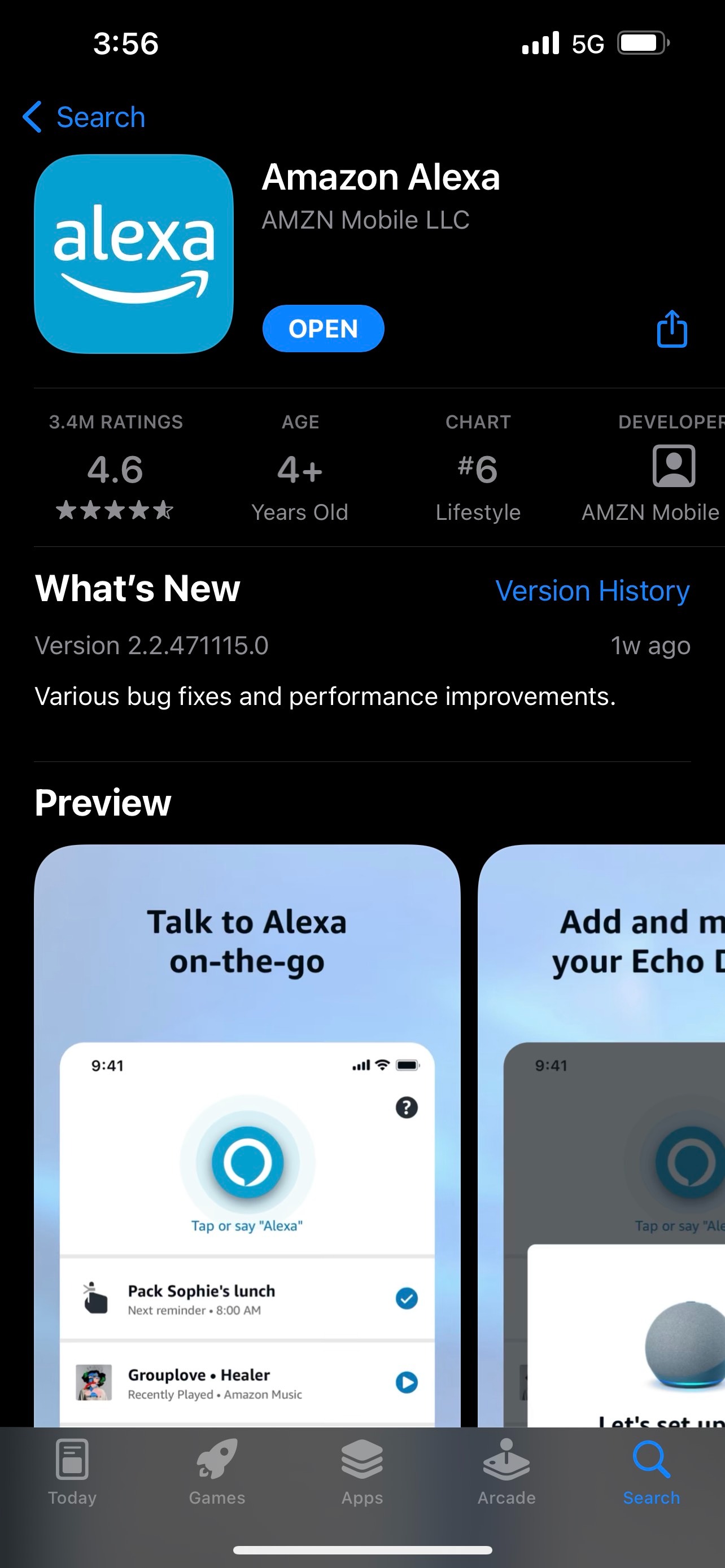
Step 1: Open the Alexa App
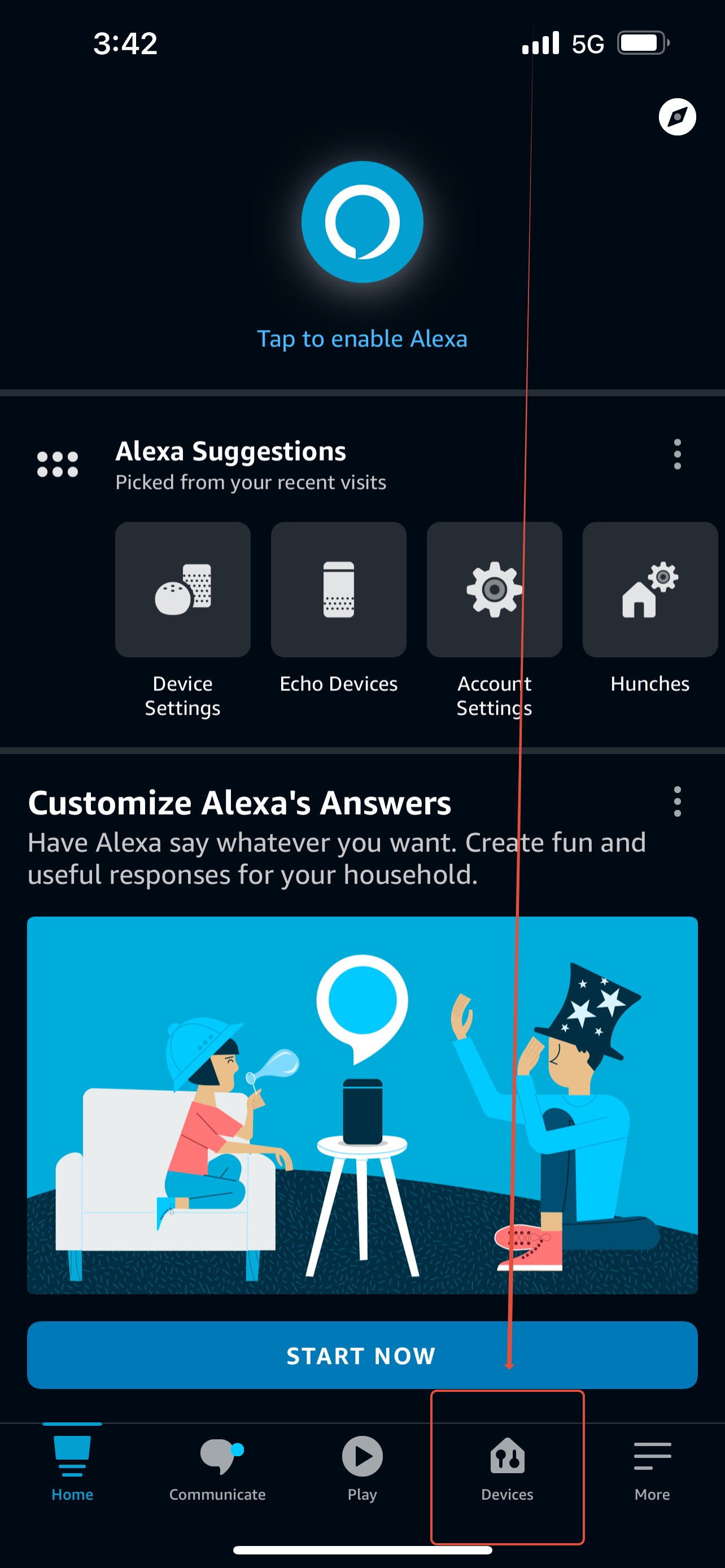
Step 2: Click on the Devices Tab at the bottom of the screen.
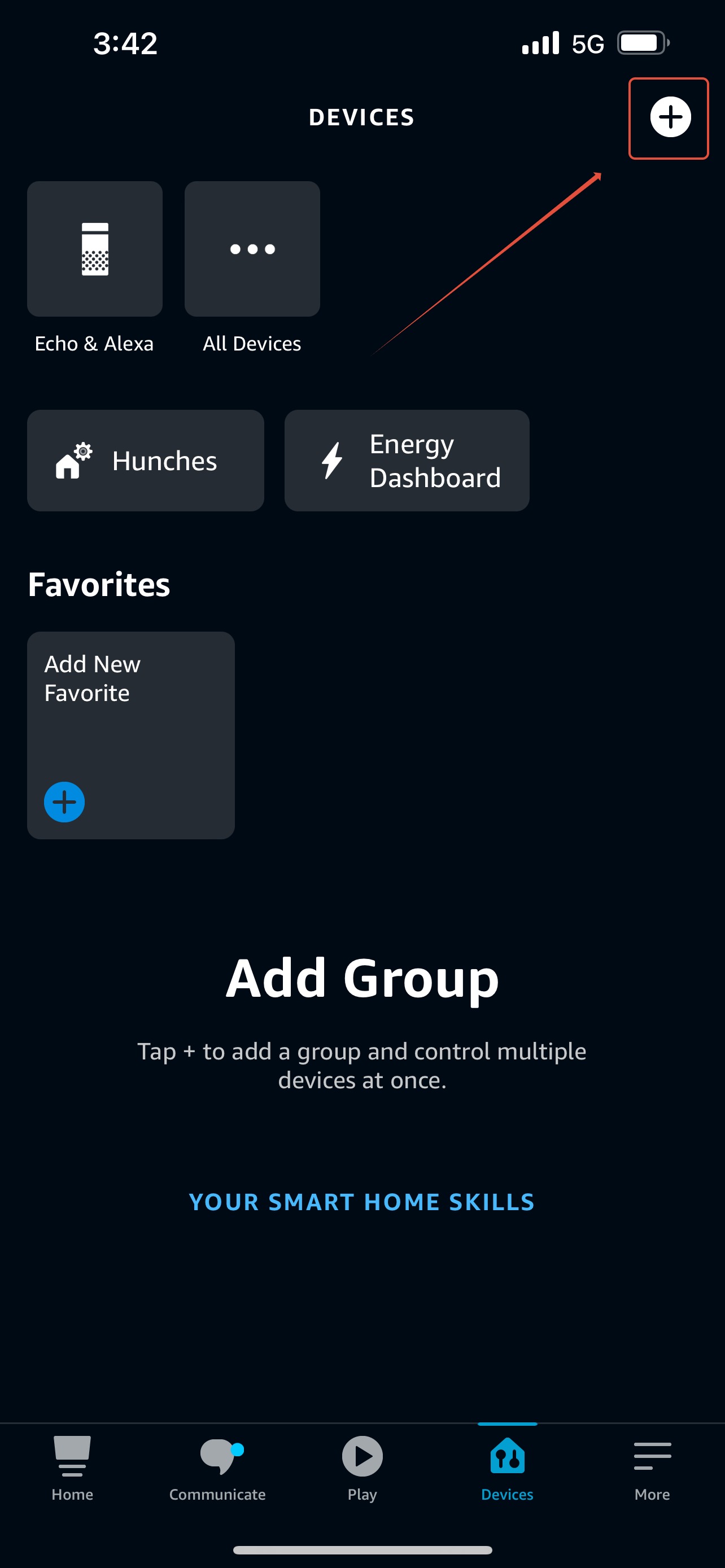
Step 3: Click the Add Button (White Circle with Black Plus Sign) at the top right of the screen.
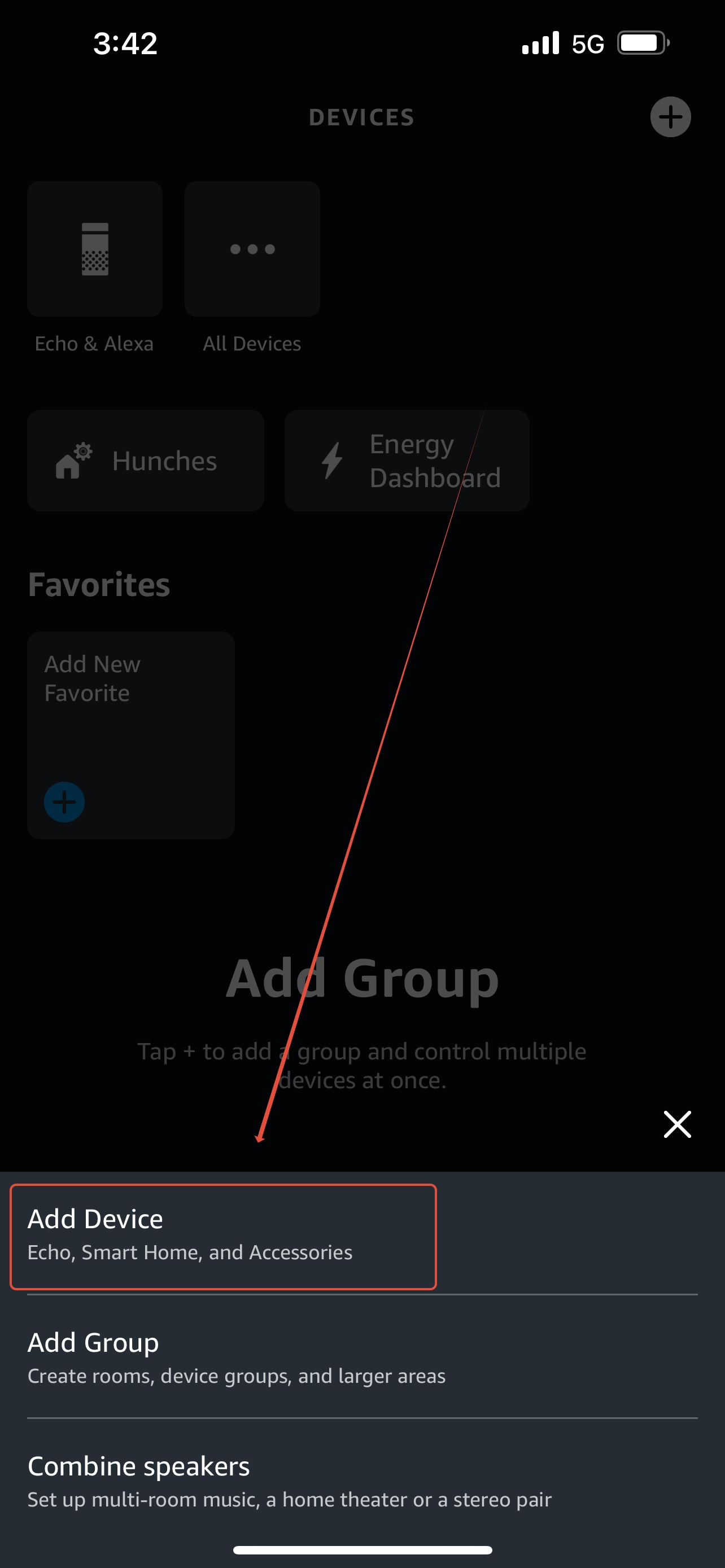
Step 4: Select "Add Device" from the pop-up menu at the bottom of the screen.
Step 5: Scroll down the list and click on "Fan"
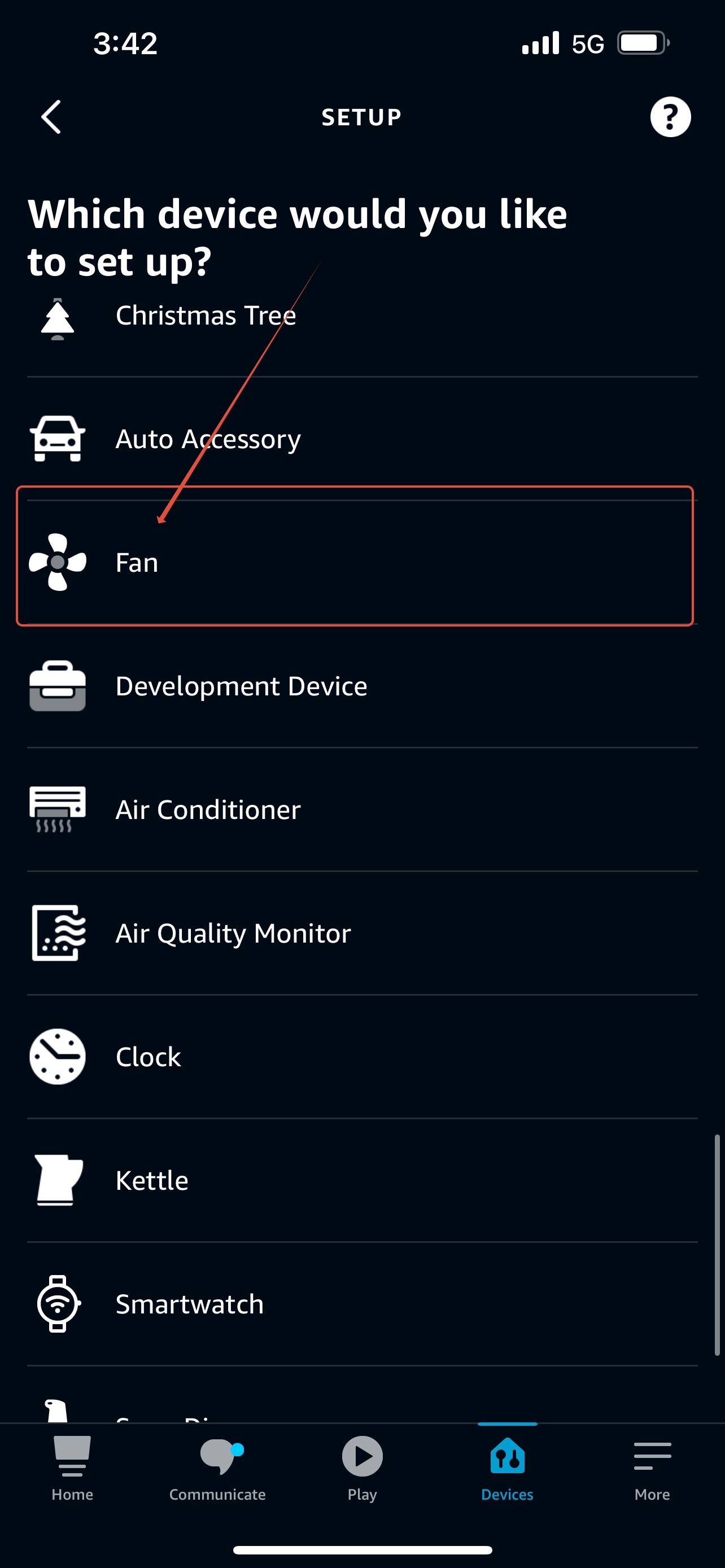
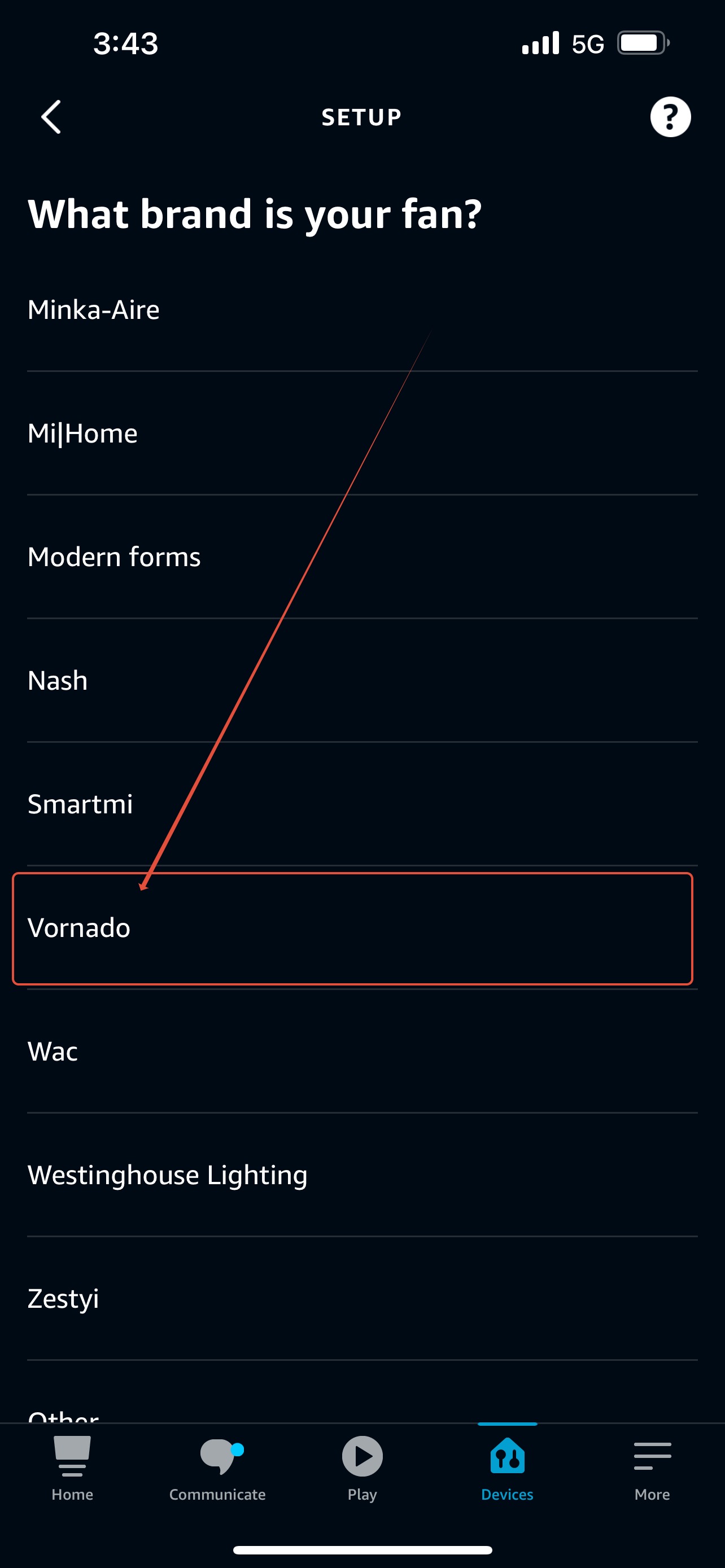
Step 6: Scroll down the list and click on "Vornado"
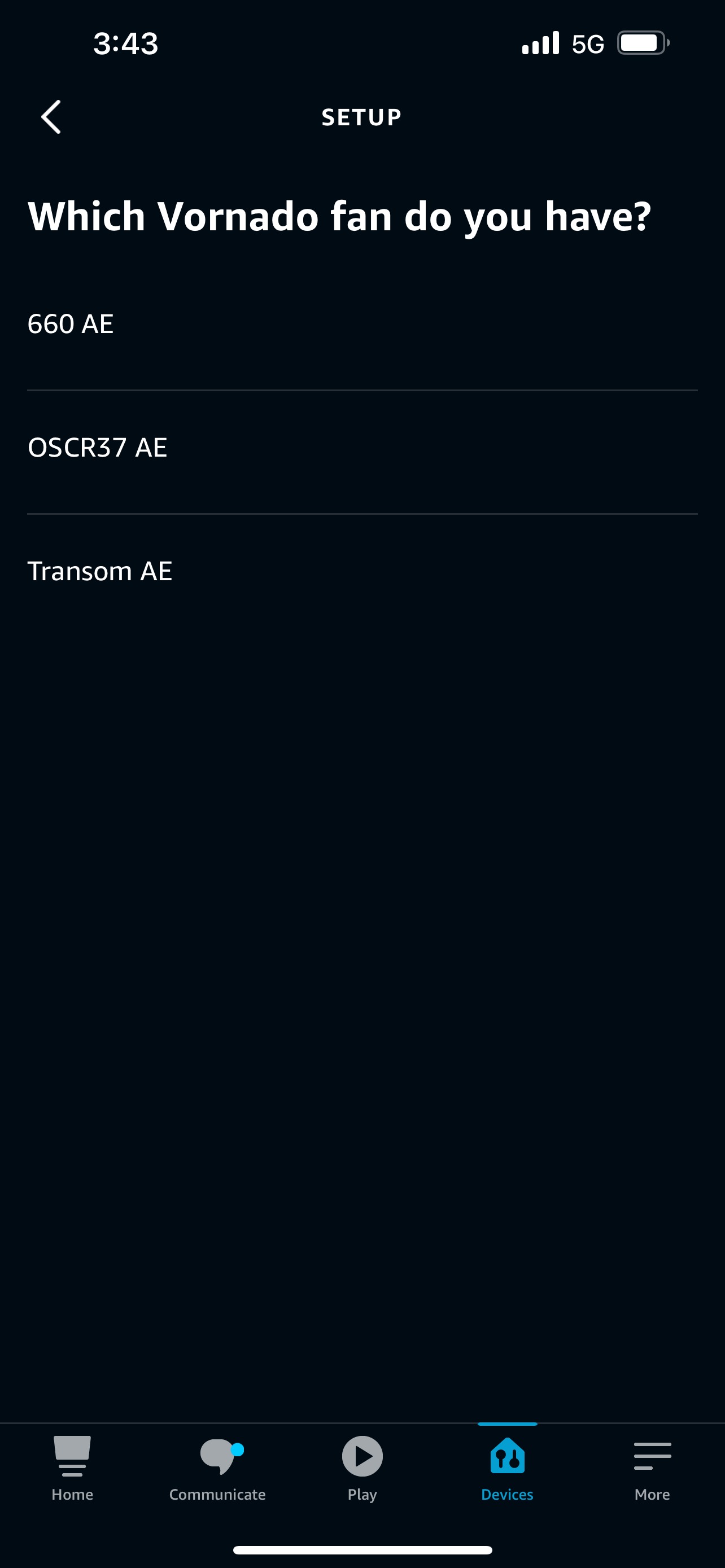
Step 7: Select the Model/Type you are contacting.
Step 8: Click "Next" at the bottom of the screen.
Note: The Alexa App may request permission to use your mobile device's Bluetooth and Camera. Follow your specific mobile device's process for allowing Alexa to connect.
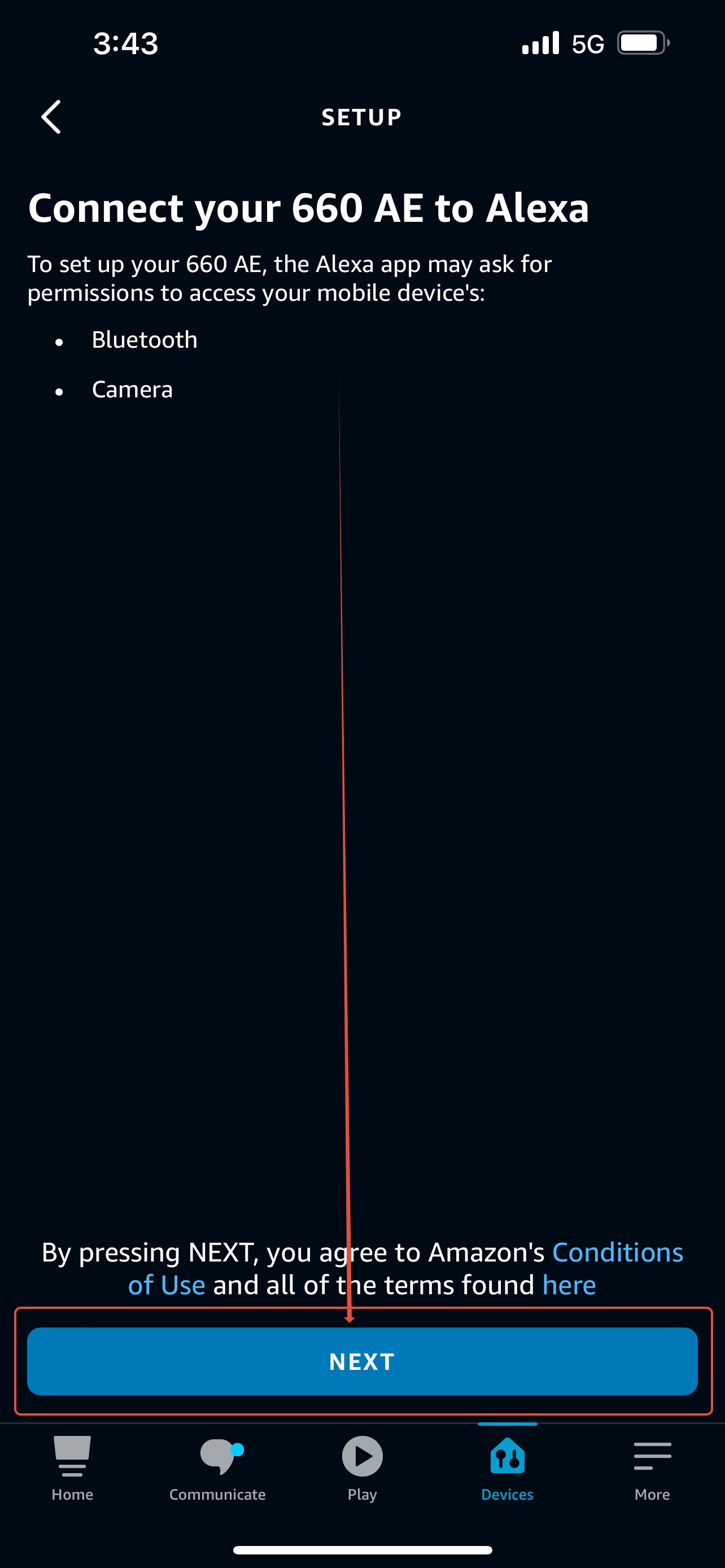
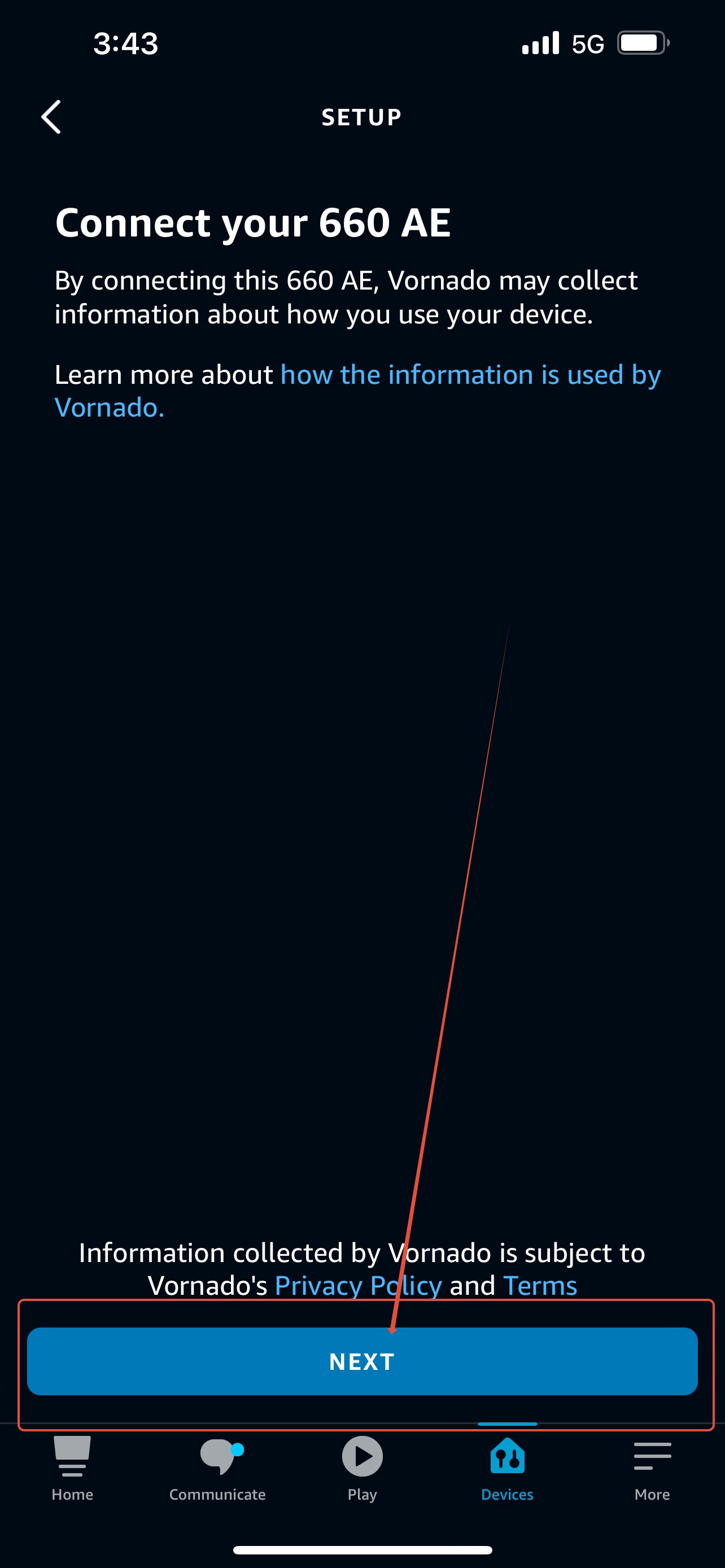
Step 9: Click "Next" at the bottom of the screen.
Note: This page provides a link to see how the Alexa Enabled Vornado Product may collect information about how you use your device. The link is the blue text in the second sentence "how the information is used by Vornado."
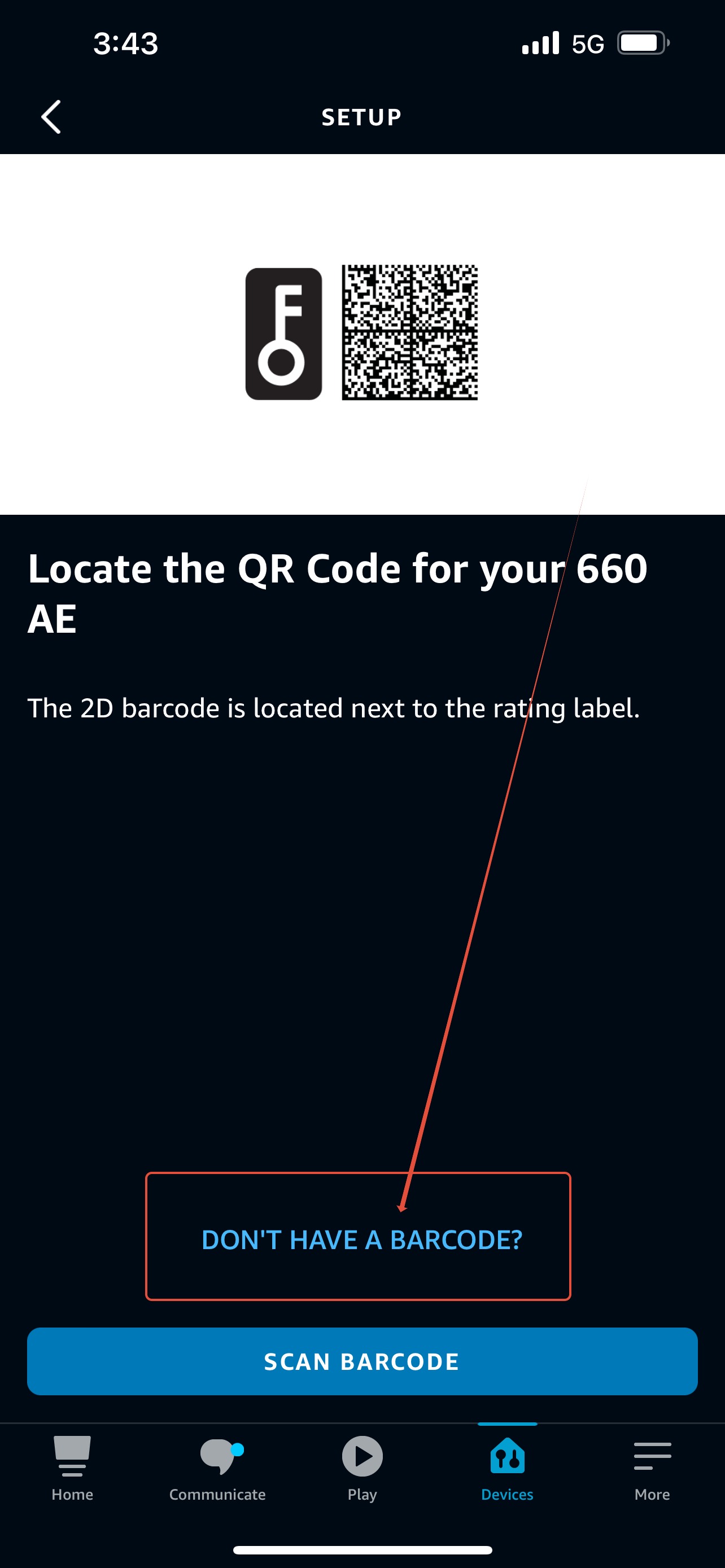
Step 10: Click "DON'T HAVE A BARCODE?"
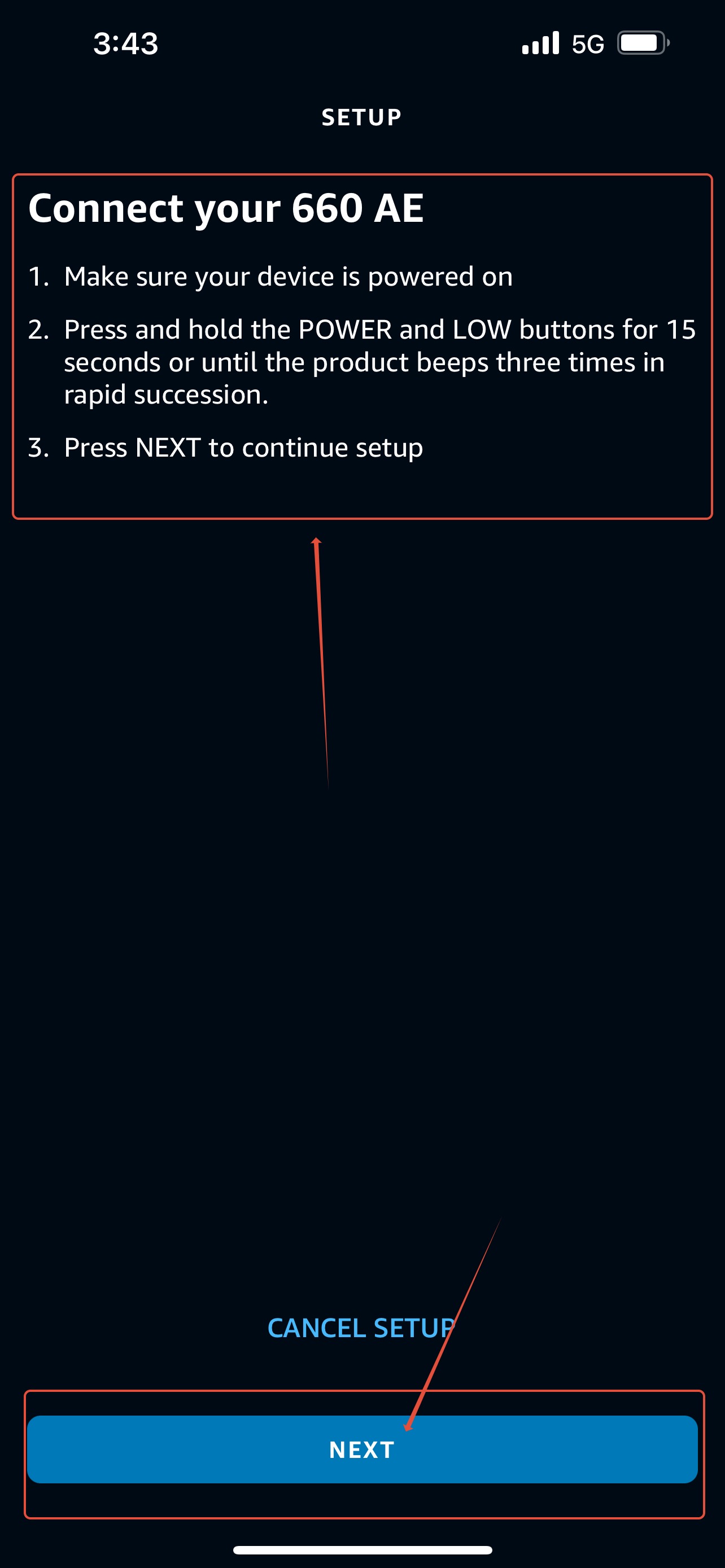
Step 11: Follow the 3 steps listed at the top of the screen. Then press Next at the bottom of the screen.
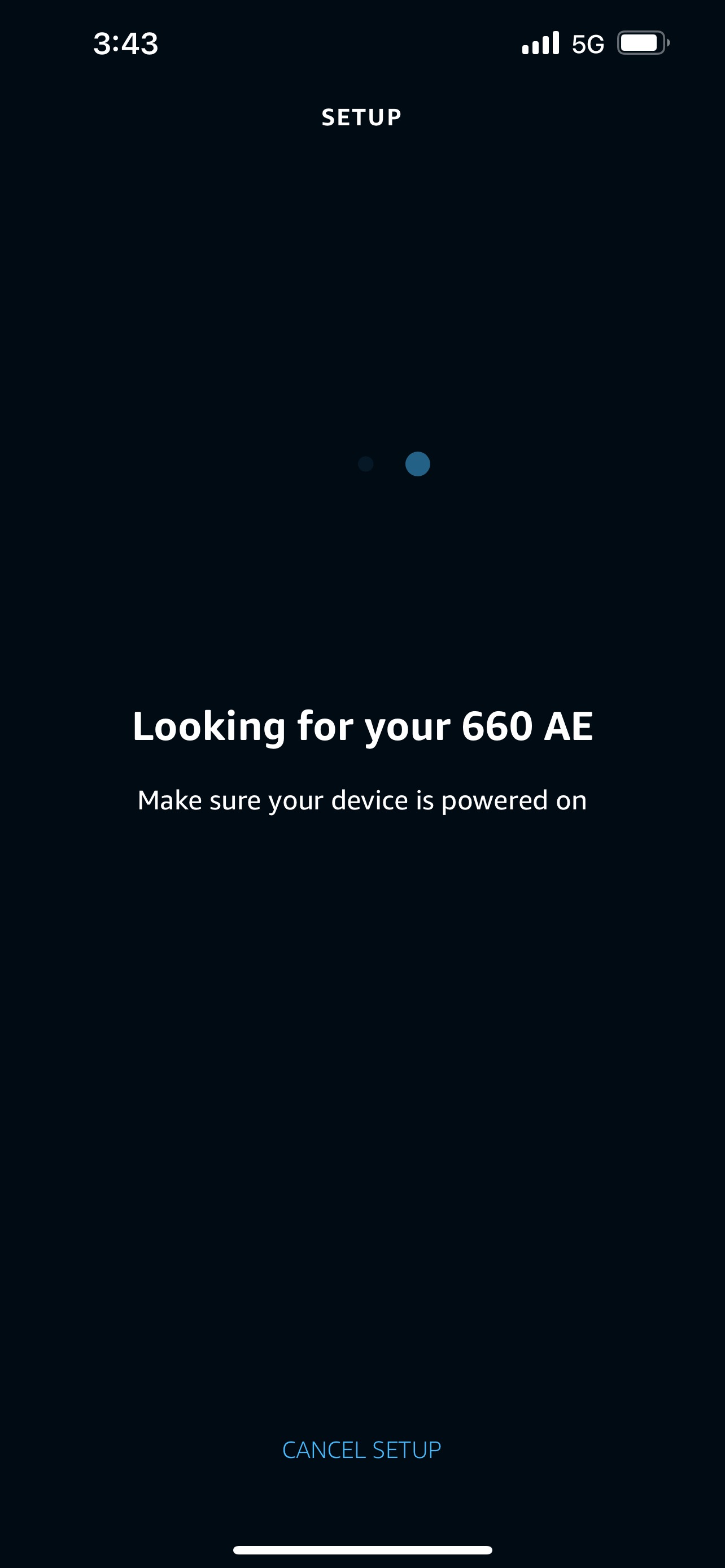
Step 12: Alexa will find and connect to your device. Once connected Alexa will allow you to adjust your personal settings (i.e. Device Nickname, Groups, etc). The device will now respond to your voice commands.
Note: Make sure your device is powered on while Alexa is searching and connecting.
If you receive an error when connecting to the app, shut the fan off and factory reset the fan. If you are still receiving an error after a successful factory reset, check to make sure your Alexa app is updated, your alexa hub is powered on, and other alexa devices are working in the home. If the error persists, and all other alexa devices are working, contact Vornado Support. If you are having issues with multiple Alexa devices in the home, contact Amazon Alexa Support.
Follow these steps to Factory Reset the fan.
For the 660AE
1. Turn off the fan, if not already powered off.
2. Press and hold both the Power button and the Turbo button (IIII) for 10-15 seconds or until the fan beeps 4 times.
3. If you do not hear the 4 beeps after 15 seconds, release both buttons and try again. It is important that both buttons are pressed at the same time and remain pressed until the 4 beeps occur.
For the OSCR37AE
1. Turn off the fan, if not already powered off.
2. Press and hold both the Power button and the TIMER button for 10-15 seconds or until the entire control panel begins to flash.
3. If the entire control panel does not flash after 15 seconds, release both buttons and try again. It is important that both buttons are pressed at the same time and remain pressed until the entire control panel flashes.